

Link preview checker
See the exact card X, Discord, Slack, WhatsApp, and LinkedIn will render, and the tags behind it.
example: previewing spoo.me. Paste any link above to check your own.
61 characters; clips near 60 on most surfaces
 https://spoo.me/icon.png?icon.471391a3.png
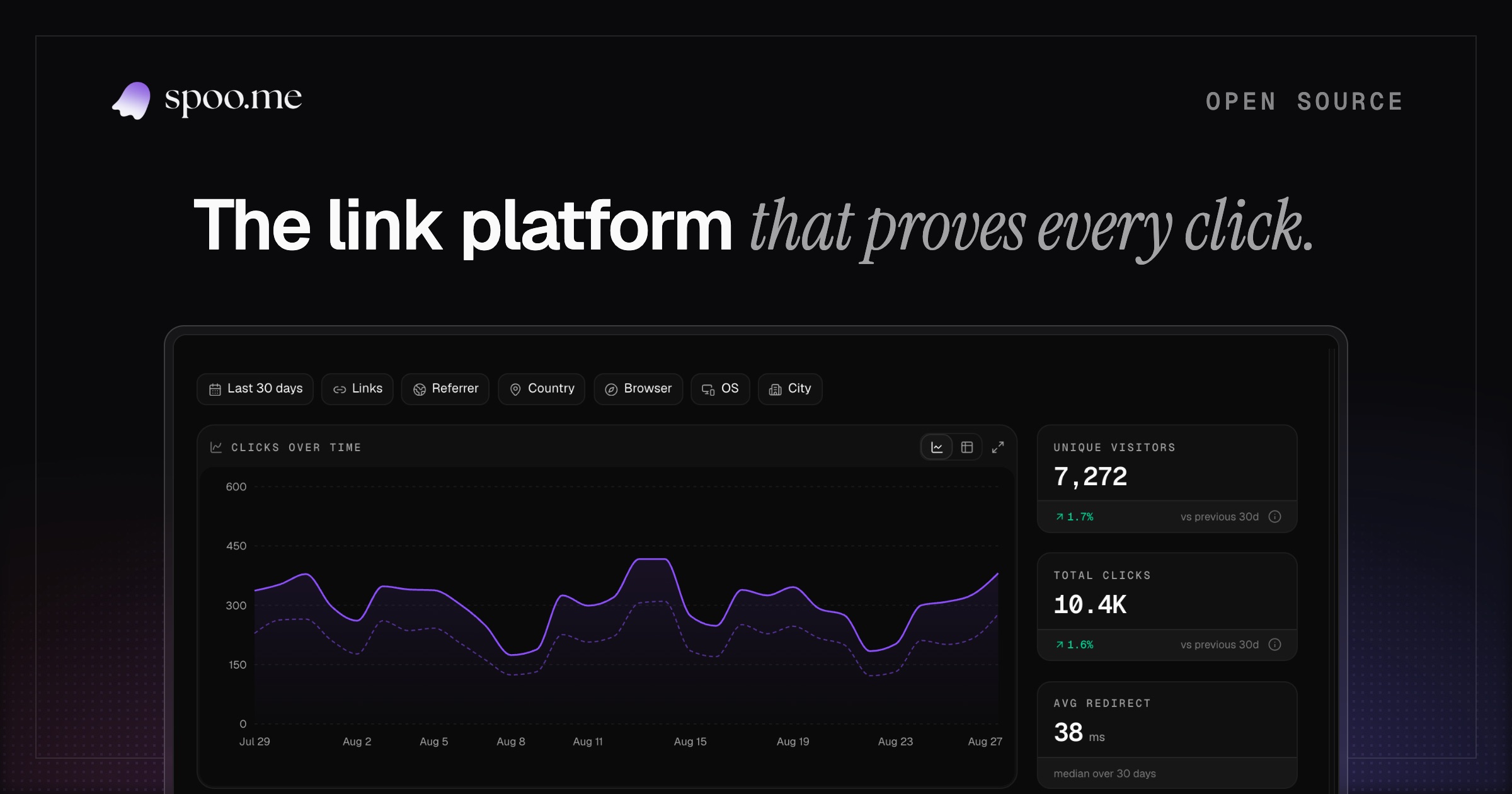 spoo.me · open-source link management platform
From spoo.me
spoo.me
spoo.me · open-source link management platform
Open-source link management with advanced analytics and an API-first core. Free short links, click analytics and QR codes. Self-hostable in one command.
spoo.me
spoo.me · open-source link management platform
Open-source link management with advanced analytics and an API-first core. Free short links, click analytics and QR codes. Self-hostable in one command.
spoo.me · open-source link management platform
Open-source link management with advanced analytics and an API-first core. Free short links, click analytics and QR codes. Self-hostable in one command.
spoo.me
https://spoo.me
spoo.me · open-source link management platform
spoo.me
What is a link preview?
Paste a link in a chat or a post and the app draws a little card for it: a picture, a title, a line of description. That card is the link preview, and the page controls it through invisible meta tags in its HTML. The platform never looks at what the page looks like; it only reads those tags.
Why it matters
The card is the first thing people see, usually before deciding whether to click at all. A link with a real card reads as something worth opening; a bare gray URL gets scrolled past, and a card with a broken image makes a legitimate page look sketchy. This tool shows the exact cards your page produces and the tags they were built from, so what people see is a choice instead of an accident.
What gets checked
The checker reads the page the way the platform crawlers do and shows both the cards and the tags behind them.
- Open Graph tags
- og:title, og:description, og:image, and og:site_name, the baseline every platform reads.
- Twitter card tags
- twitter:card and friends, which X reads before falling back to Open Graph.
- Raw HTML tags
- The plain title and meta description, the fallbacks when social tags are missing.
- Favicon and theme-color
- The icon Slack shows and the accent Discord tints its embed with.
- Length limits
- Titles clip near 60 characters, descriptions near 160. Over-length values are flagged inline.
- Five platform renders
- X, Discord, Slack, WhatsApp, LinkedIn, each drawn with its own real layout and precedence rules.
How platforms build previews
When a link is posted, the platform's crawler fetches the page once, reads the meta tags in the head, and caches the result, often for days. Open Graph tags are the shared baseline; X prefers its own twitter:* tags when both exist, Discord tints its embed with theme-color, and Slack adds the favicon and site name. Nothing about the visible page matters to the card: only the tags do, which is why a beautiful page with missing tags unfurls as a bare link.
Fixing a broken card
- Run the page here and read the tag audit: missing rows and over-length values are marked in place.
- Fix the tags at the source: og:title, og:description, and a 1200 by 630 og:image cover nearly every platform.
- Bust the platform's cache. Facebook and LinkedIn have refetch debuggers; for Discord and WhatsApp, append a throwaway query like ?v=2 to force a fresh card.
One tool, several names
Open Graph checker, meta tag checker, social card preview, Twitter card validator: the searches differ, the job is the same. This page renders the cards for five platforms and audits the tags they were built from, in one pass. Tracing where a short link lands instead? That's the URL expander.
Frequently asked questions
Short answers about social cards and why previews break.
Now watch who clicks.
Every link you shorten on spoo.me has a live stats page: clicks, countries, referrers, devices.